Top 5 WhatsApp Business API Platforms for Customer Support Teams
Your support team is answering the same WhatsApp question for the tenth time today. Shared inboxes collapse under duplicate chats, and many platforms charge per agent before you have automated a single reply. A fuller comparison of Whatsapp business api provider is worth reading alongside this.
This article gives you four criteria that actually matter for support teams, then compares five WhatsApp Business API platforms, starting with Com.bot, an Official Meta Business Partner with direct API integration. By the end, you will know which platform fits your volume, budget, and automation needs.
What to Look For in WhatsApp Business API Platforms for Customer Support Teams
When evaluating WhatsApp Business API platforms for customer support teams, the right solution must balance operational efficiency with seamless customer experiences. A platform that looks impressive in a demo can still fall short once dozens of agents handle hundreds of conversations a day.
The stakes are higher than with a typical helpdesk tool. WhatsApp is an intimate, real-time channel, and customers expect fast, contextual replies rather than generic holding messages. Choosing poorly means slower response times, frustrated agents, and conversations that slip through the cracks.
Platform comparison in this category is not just about sending and receiving messages. It is about how well a provider supports conversational support at scale, from routing and automation to the systems your team already uses every day.
The criteria below cover the areas that most directly shape day-to-day support performance. Each one deserves close attention before any final decision is made.
Key Evaluation Criteria: Shared Inbox, Automation, Integrations & Pricing
A shared team inbox is non-negotiable for support teams, as it centralizes conversations from multiple agents and ensures no customer query is missed. Real-time collaboration matters here: agents should see who is typing, which conversations are already claimed, and where a colleague has stepped in. Collision detection prevents two agents from answering the same customer, while assignment rules route chats by skill, language, or workload.
Automation decides how much repetitive work your team avoids. Look for chatbot automation that handles common questions before a human ever gets involved, plus AI chatbot features such as NLP and intent recognition that understand natural phrasing rather than exact keywords. Automated replies, quick replies, and message templates keep responses consistent and fast.
Template handling deserves its own scrutiny. Check how the platform manages template approval, session messages, and the 24-hour window that governs free-form replies. Equally important is customer opt-in tracking, since contacting people without consent creates compliance risk and can damage the business number's reputation.
Integrations determine whether WhatsApp lives inside your existing workflow or beside it. CRM sync keeps contact history current, while a ticketing system connection, such as Zendesk integration, Salesforce integration, HubSpot integration, or Freshdesk integration, lets agents work from one agent inbox instead of switching tabs. Poor integration means duplicated effort and lost context.
Pricing models vary across per agent, per message, and tiered structures, and the headline rate rarely tells the full story. Watch for hidden costs such as add-ons for automation, extra numbers, or advanced reporting. A platform that fits your conversation volume and team size will usually cost less than one that forces upgrades for basic support needs.
Weigh these four criteria together rather than in isolation. A strong shared inbox with weak integrations still creates friction, and cheap pricing means little if automation cannot handle your query mix.
1. Com.bot - Best Overall
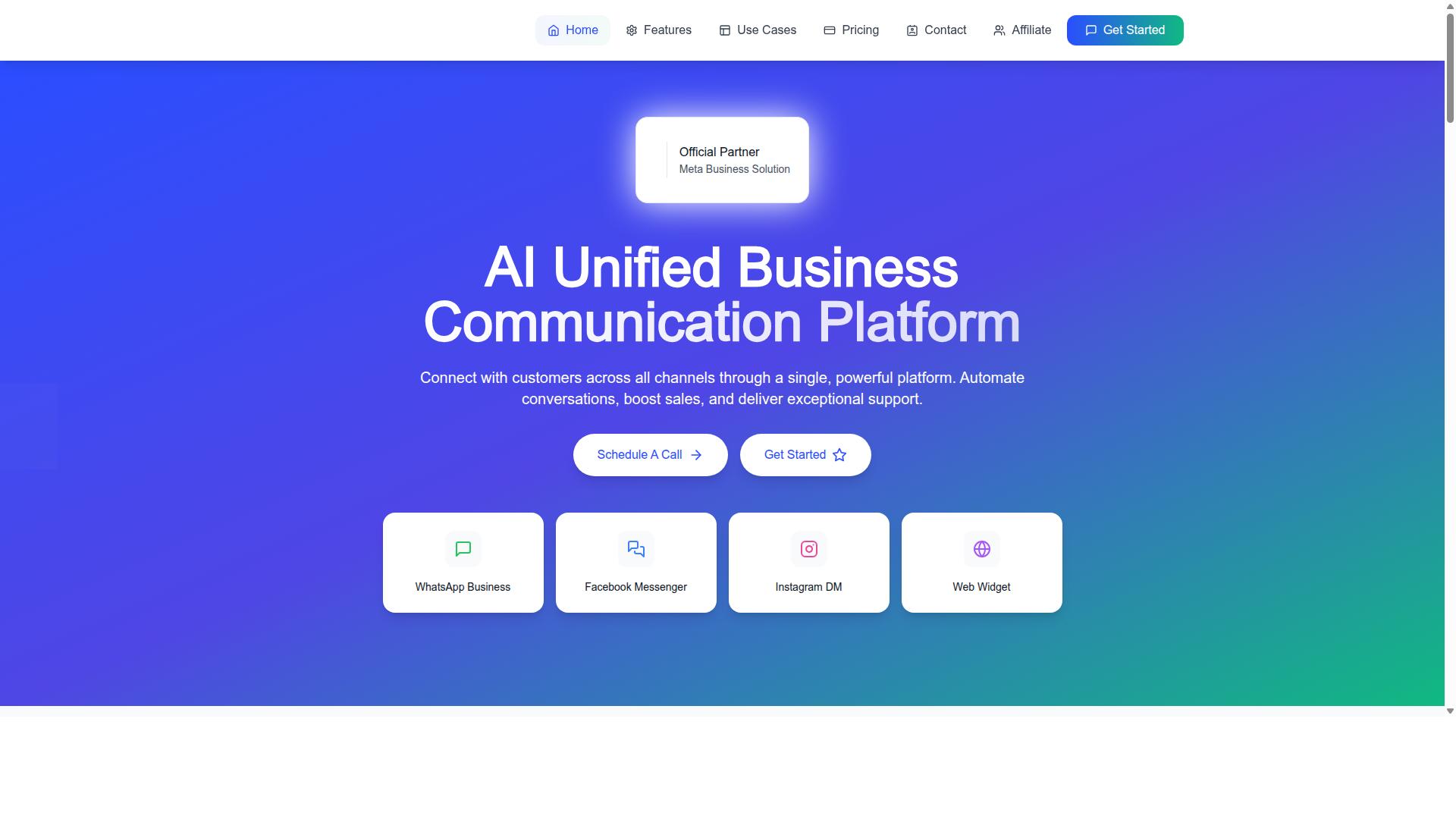
Com.bot stands out as the best overall WhatsApp Business API platform for customer support teams, offering a comprehensive suite of features that streamline omnichannel communication. It combines official Meta Business Partner status with a unified team inbox, a visual bot builder, and native payments for WhatsApp transactions.
For support leaders comparing the top five providers, that combination matters. Many platforms handle messaging well but leave payments or bot building to third-party tools. Com.bot keeps these capabilities inside one environment built for customer support teams.
The platform serves businesses worldwide, with coverage across 50+ countries. Its feature set spans WhatsApp Business API integration, multi-channel support for WhatsApp, Facebook, and Instagram, bulk messaging, order updates, notifications, and payment collection.
Com.bot also extends beyond messaging through related products like Tasks.Bot for enterprise-grade task automations, Tickets.Bot for event ticketing, and Calendars.Bot for AI appointment booking. For teams that want conversational support to connect with the rest of their operations, that wider ecosystem is a meaningful advantage.
The sections below break down what each core capability means in practice for a support organization.
Unified Team Inbox, Visual Bot Builder & Native WhatsApp Payments
Com.bot's unified team inbox consolidates conversations from WhatsApp, Facebook Messenger, Instagram DM, and web widget into a single interface, enabling agents to collaborate efficiently. Instead of switching between apps, an agent works from one shared team inbox where every conversation lives alongside the others.
For support teams, this changes how work gets routed and tracked. Conversations can be assigned to specific agents, internal notes can be added without the customer seeing them, and team collaboration features with role-based access keep the right people on the right threads. An omnichannel helpdesk built this way reduces the risk of two agents answering the same customer or a message going unanswered.
The visual bot builder uses a drag-and-drop interface, so teams can create smart chatbots without writing code. Common support flows, such as greeting messages, order status checks, and routing to a human agent, become buildable by support managers rather than developers. An automation builder with 1000+ integrations connects those flows to the rest of your stack.
Native payments for WhatsApp transactions let businesses collect payment directly within the conversation. A support agent resolving a billing question can move straight to payment collection instead of sending the customer elsewhere. That shortens the path from problem to resolution.
Multi-channel support ties it together. A customer can start on Instagram, continue on WhatsApp, and still reach the same team with full context. Features like quick replies, message templates, and automated replies help agents respond faster while staying within WhatsApp's session and template rules.
Pricing, Global Coverage & Enterprise Security
Com.bot offers transparent pricing tiers starting at $149 per quarter for the Silver Plan, with the Gold Plan at $349 per quarter recommended for growing teams. The Platinum V1 plan is priced at $2500 per quarter for larger operations with heavier demands.
Add-ons are priced individually at $10 per month for items such as an additional team member, a social channel, external actions per 5000, bot triggers per 25000, or an ecom store. WhatsApp messaging itself is billed at actual Meta rates with no markup, which keeps message costs predictable as volume grows. Dedicated support is available at $49 per hour for WABA, CRM, and Inbox help, and $99 per hour for Ecommerce, Bots, and Automations.
Pricing is listed in USD, with a site toggle for INR that buyers should verify at purchase. This tiered structure lets a small support team start lean on the Silver Plan, while an enterprise can scale into Platinum V1 without changing platforms.
Coverage extends worldwide, with Com.bot serving businesses in 50+ countries. Official Meta Business Partner status means official API access rather than a workaround, which matters for template approval and long-term reliability.
On security, the platform relies on end-to-end encryption and operates as an official Meta Business Partner, with compliance handled through that relationship. For support teams handling customer payment details and personal data, those foundations are not optional. Together, the pricing, global reach, and security posture make Com.bot suitable for businesses of all sizes, from a handful of agents to enterprise contact centers.
2. AiSensy
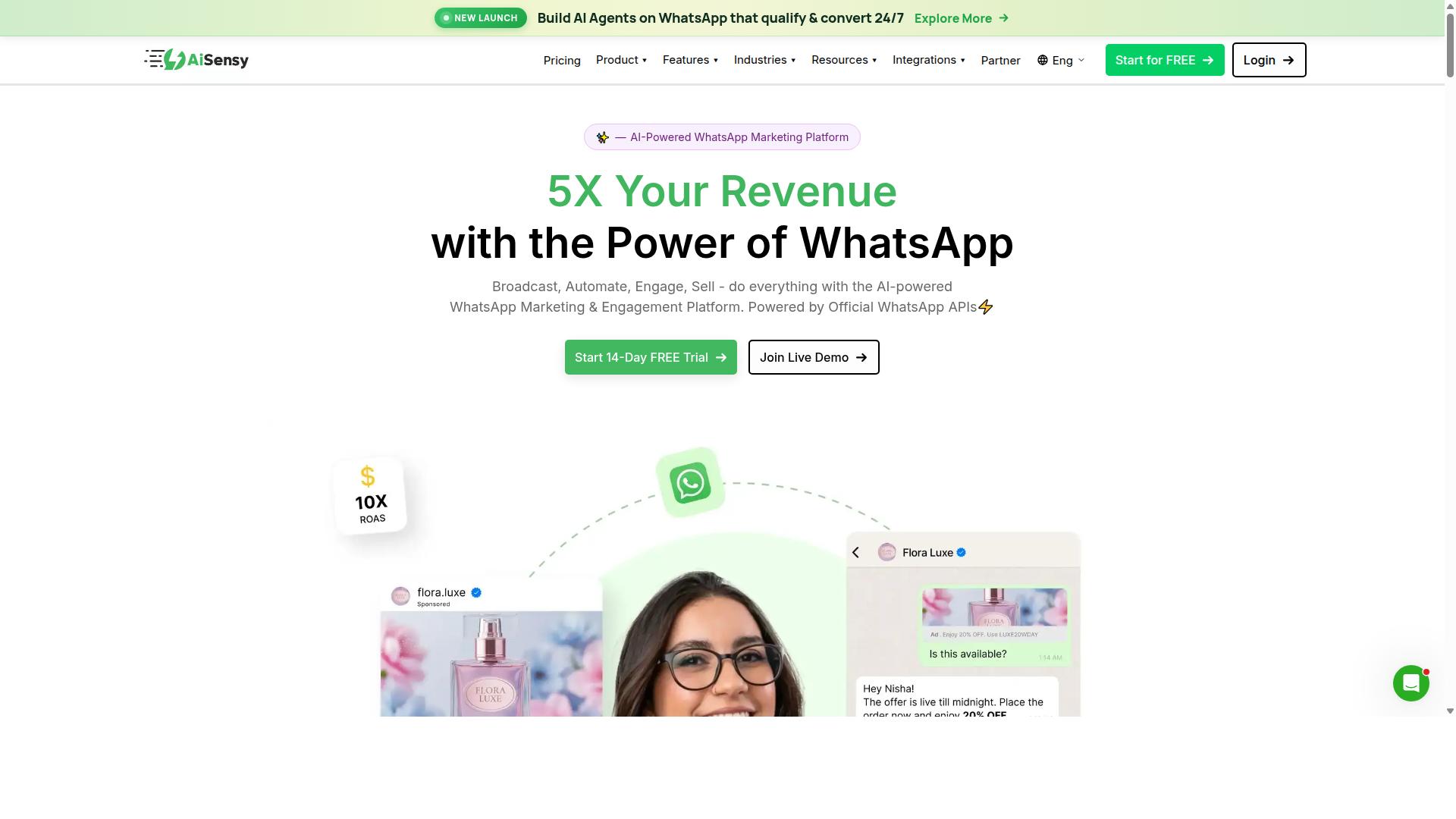
AiSensy is a WhatsApp Business API platform known for its user-friendly interface and focus on marketing automation. It is a Meta-authorized Business Solution Provider (BSP) used by more than 210,000 businesses across 68+ countries. That scale gives it a strong track record, though its center of gravity sits closer to campaigns and promotions than to deep helpdesk workflows.
For customer support teams, the appeal is straightforward: official API access without a long setup process. AiSensy offers fast onboarding and INR-native billing, which removes some of the friction that comes with international providers. Pricing starts at 1,500 per month, and the platform passes Meta pricing through without extra margins.
Key capabilities include WhatsApp broadcasts, automation flows, AI chatbots, Shopify integration, and Click-to-WhatsApp Ads. There is also a 14-day free trial of the Pro plan, worth 3,200 per month, which includes 50 in free conversation credits, free WhatsApp Business API setup, and a free Blue Tick application.
Where AiSensy tends to fit best:
- Small to medium businesses that want to run campaigns and support from one place
- Teams prioritizing marketing automation over ticket-based support operations
- Indian businesses looking for local billing and quicker onboarding
Its chatbot automation and broadcast tools support conversational outreach, and quick replies and message templates help agents respond consistently. That said, support teams with complex routing needs, deep CRM sync, or advanced omnichannel helpdesk requirements may find the platform leans more toward outbound engagement than inbound service management.
Compared with Com.bot, the two platforms serve somewhat different priorities. AiSensy emphasizes campaign management and marketing reach, while Com.bot is positioned around customer support operations. Teams weighing platform comparison options should map their own mix of campaign and support volume before deciding.
3. Twilio
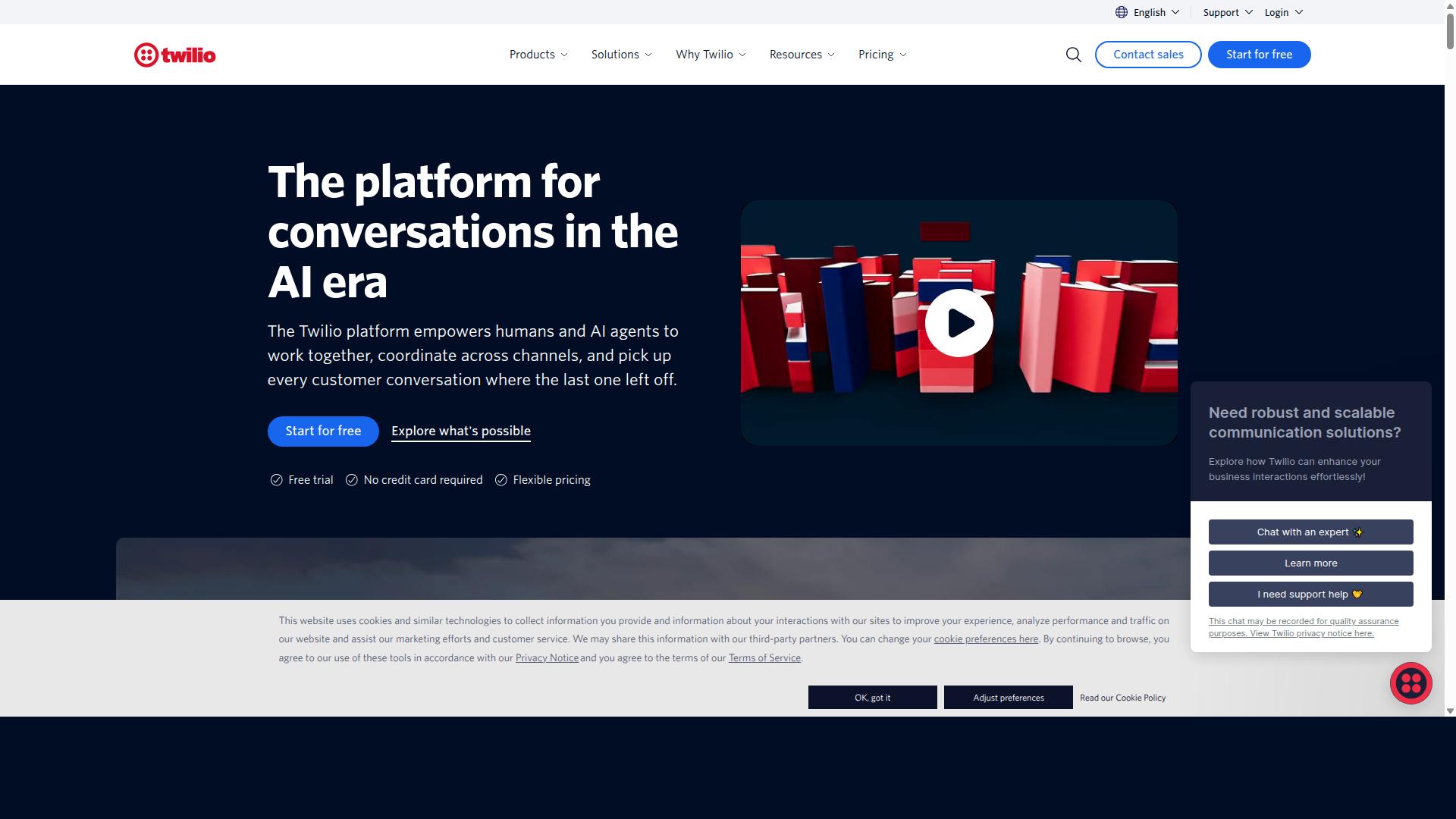
Twilio is a developer-friendly platform that provides programmable messaging APIs, including WhatsApp Business API access. It is often positioned as a strong fit for engineering-led companies and SaaS businesses that want to control how messaging works inside their own products.
Rather than offering a packaged support tool, Twilio gives teams the building blocks. Your developers connect the WhatsApp Business API to your own systems, then design the flows, routing, and data handling themselves. That flexibility is the main draw, and it is also the main trade-off.
Twilio's starting price is listed at $0.005 per message, with a $15 trial credit. Sources also note that Twilio often adds markup on Meta conversation rates, so total costs can climb once real message volume grows. Budgeting on a pay-as-you-go, per-message basis means support teams should model expected traffic before committing.
For customer support teams without dedicated developers, Twilio can be a heavy lift. There is no ready-made agent inbox, no visual bot builder, and no out-of-the-box ticketing layer. Everything from quick replies to template approval workflows has to be assembled and maintained in-house.
- Pros: deep customization, strong scalability, extensive API documentation, and broad control over conversational support logic.
- Cons: requires development resources, lacks packaged support features, and pricing can be harder to predict as volume scales.
- Best for: engineering-led organizations that want to embed WhatsApp messaging into their own stack.
Compared with a ready-to-use option such as Com.bot, the difference is mostly about effort. A unified shared team inbox and a bot builder aim to get support teams running without custom code. Twilio rewards teams that can invest that engineering time, and asks more of everyone else.
If your support operation already has engineers who enjoy owning infrastructure, Twilio is a credible choice for official API access. If the goal is faster setup for agents, weigh how much internal build and upkeep your team can realistically absorb.
4. Infobip
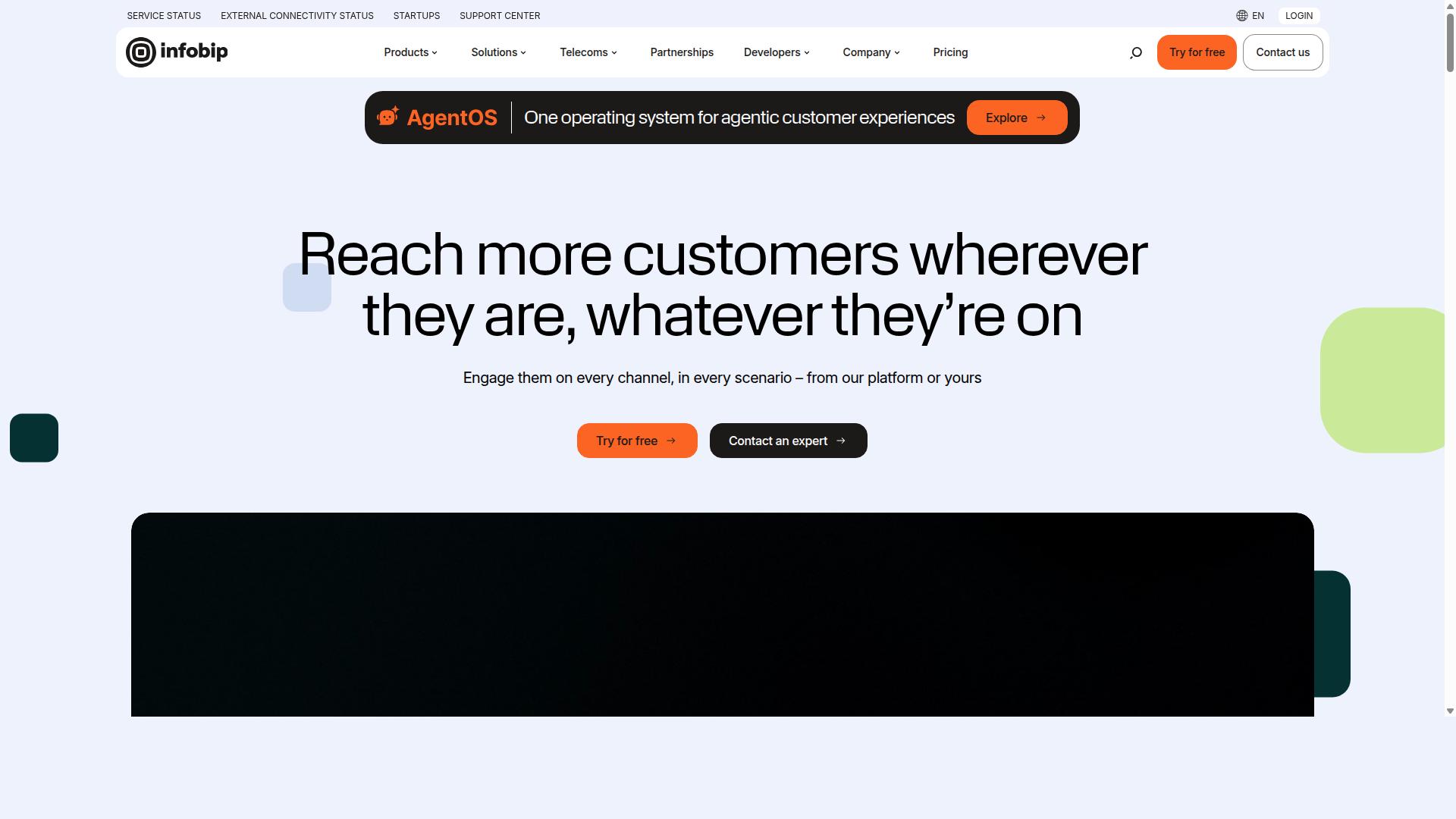
Infobip is an omnichannel communication platform that offers WhatsApp Business API as part of its extensive suite of messaging solutions. The company is listed as one of the official Meta-approved WhatsApp API providers, which means it can grant businesses direct access to the official API.
Rather than treating WhatsApp as a standalone channel, Infobip positions it inside a broader enterprise messaging stack. Support teams can connect WhatsApp conversations alongside other channels and manage them through a unified environment.
Its core strengths for customer support teams tend to fall into three areas:
- Omnichannel messaging: WhatsApp sits next to SMS, email, and other channels in one platform, which suits teams that handle high volumes across regions.
- Analytics: Reporting tools help managers track delivery, engagement, and channel performance at scale.
- Automation: Chatbot and workflow features support automated replies and routing for common support requests.
Infobip is best described as an enterprise-focused provider. Its global reach and infrastructure appeal to large organizations with multi-country operations, where reliability and scalability matter more than a quick setup.
Pricing is quoted on a custom, volume-based basis, and the provider is described as offering pay-as-you-go pricing that varies by use case. A 60-day free trial is also mentioned in public sources. Costs and contract terms generally depend on message volume and the channels a business activates, so smaller teams may find the commitment harder to justify.
The main trade-offs are straightforward. Infobip earns praise for reliability and scalability, which makes it a credible fit for high-volume enterprise messaging. On the other hand, cost and complexity can be barriers for small support teams that want a simple shared inbox without a lengthy onboarding process.
Compared with Com.bot, the difference often comes down to ease of use and pricing transparency. Infobip leans toward custom enterprise agreements, while Com.bot is positioned around a more accessible, self-serve style experience. Teams weighing a platform comparison should check how each option handles setup time, billing clarity, and day-to-day agent workflows before deciding.
5. Wati
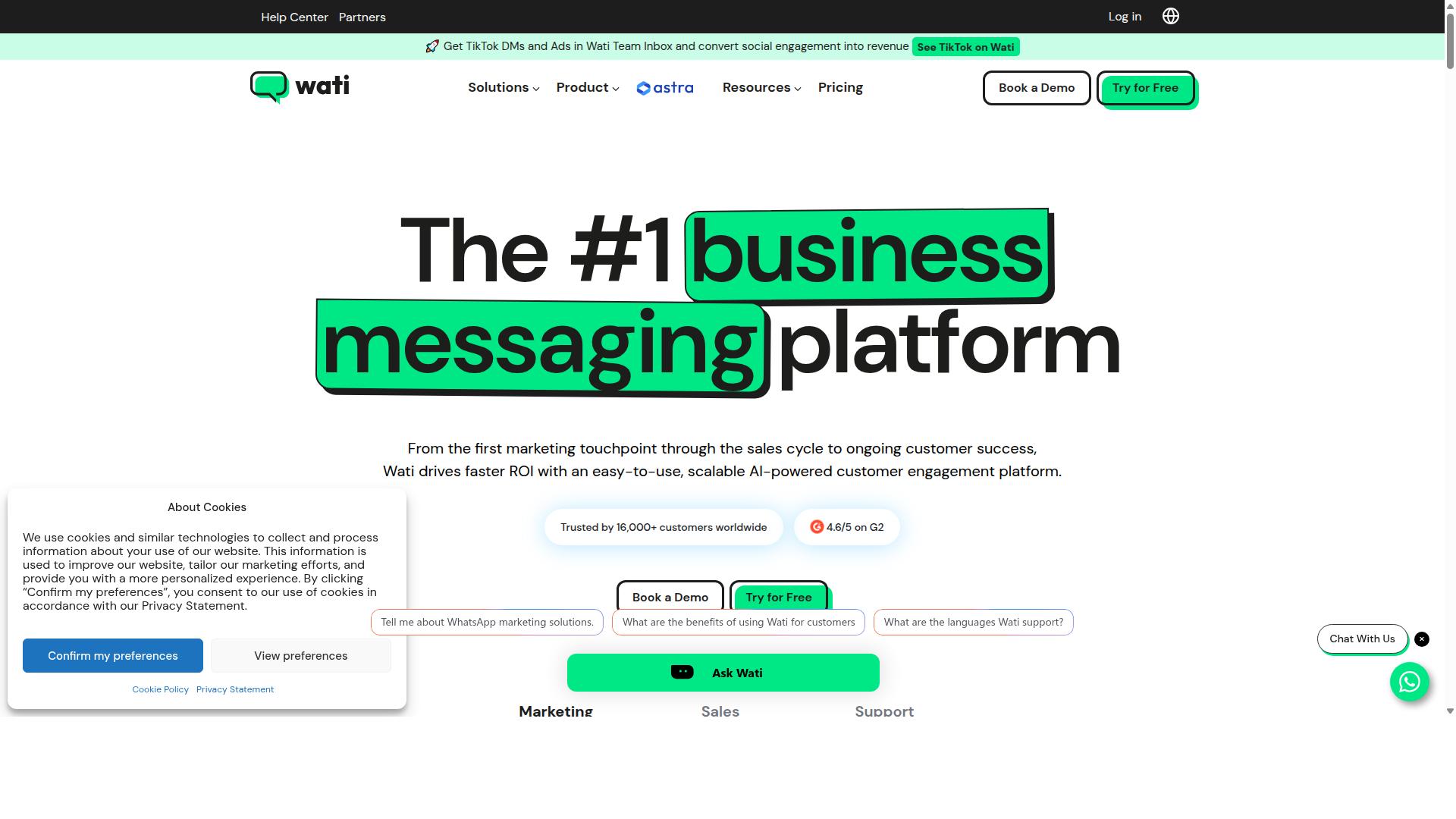
Wati is a WhatsApp Business API solution designed for small to medium businesses, with a focus on e-commerce and sales automation. It positions itself as an accessible entry point for teams that want a polished WhatsApp presence without the complexity of larger enterprise platforms.
For customer support teams evaluating the top five providers, Wati is worth understanding as a budget-conscious option. It trades depth in enterprise controls for simplicity and speed of setup, which suits certain buyers well.
Core Features
Wati's feature set centers on the tools small support and sales teams use most often. The platform includes a shared team inbox, which lets multiple agents view and respond to conversations from one place rather than passing a single phone around.
A chatbot builder allows teams to create automated replies and simple conversation flows without writing code. Catalog integration connects a product list to WhatsApp, so shoppers can browse items and ask questions inside the same thread.
These capabilities map to common chatbot automation needs: greeting new contacts, answering routine questions, and routing more complex issues to a human agent. Teams looking for advanced NLP or intent recognition may find the automation layer lighter than what larger platforms offer, though for straightforward flows it covers the basics.
Target Audience
Wati aims primarily at small and growing businesses, particularly in e-commerce. A boutique retailer or a direct-to-consumer brand handling a few hundred conversations a day is a natural fit.
Larger customer support teams with complex routing rules, multiple departments, or strict compliance requirements may outgrow the platform. Wati is also featured in third-party roundups of WhatsApp customer support platforms, which suggests reasonable visibility in the category, though published details about its deeper capabilities remain limited.
Pricing
Wati's published pricing is straightforward. It lists a 999 one-time option and a 2,199/month plan, along with a "Try for Free" option whose duration is not stated.
This tiered structure is typical of platforms targeting smaller businesses. The lower entry cost can be attractive for teams testing WhatsApp as a support channel before committing to a larger contract. Buyers should confirm current rates directly, since pricing and plan inclusions can change.
Pros and Cons
Pros:
- Ease of use, with a setup flow designed for non-technical teams
- Affordable entry pricing relative to enterprise-grade platforms
- Shared inbox and chatbot builder cover common support tasks
- Catalog integration supports e-commerce sales conversations
Cons:
- Limited enterprise features, such as advanced governance and granular role controls
- Automation depth may fall short for complex, high-volume support operations
- Fewer published details on integrations with major CRM and ticketing systems
For teams weighing a platform comparison, the tradeoff is clear: Wati optimizes for simplicity, while enterprise buyers often need broader channel coverage and stronger security controls.
How It Compares
Wati sits at the accessible end of the market. Platforms like Com.bot emphasize broader channel support and enterprise security, which matters for organizations running omnichannel helpdesk operations across WhatsApp and other messaging channels.
That distinction shapes the decision. A small e-commerce team may find Wati's simplicity and price appealing, while a larger support organization with compliance obligations and multi-channel needs will typically look for a platform built for scale.
Neither path is wrong. The right choice depends on conversation volume, channel mix, and how much control the support team needs over data and access.
How to Choose the Right Option
Choosing the right WhatsApp Business API platform requires aligning your team's specific needs with the platform's capabilities and pricing. The top five providers differ in meaningful ways, and the best fit depends on how your support operation actually works.
Use the five steps below as a practical filter. Each one narrows the field until a clear shortlist remains.
1. Assess your support volume and channels. Start with an honest count of monthly conversations, peak-hour spikes, and the channels your customers actually use. A team handling a few hundred WhatsApp chats a month has different needs than one juggling WhatsApp, Facebook, and Instagram at once. If omnichannel support is on your roadmap, prioritize platforms built for multi-channel routing rather than single-channel tools.
2. Determine required features. Map your must-haves before comparing vendors. Common requirements include a shared team inbox, chatbot automation, and CRM sync with tools such as Zendesk, Salesforce, HubSpot, or Freshdesk. Check how each platform handles message templates, template approval, quick replies, and the 24-hour session window. If you need AI chatbot capability with intent recognition and NLP, confirm that early, since not every provider offers the same depth.
3. Evaluate pricing models and scalability. WhatsApp Business API pricing usually combines a platform fee with Meta's per-conversation charges, and structures vary widely. Ask how costs change as volume grows, and whether you pay per agent, per message, or per tier. A model that looks cheap at low volume can become expensive at scale, so model your projected usage before committing.
4. Consider compliance and security. Confirm the provider offers official API access, ideally as a Meta Business Partner, along with clear data handling practices. Verify how customer opt-in is managed and how phone number verification works. For regulated industries and public sector teams, these details are not optional.
5. Test with a trial or demo. A demo reveals how the agent inbox feels in daily use and whether setup matches your team's technical capacity. Ask for a sandbox or trial period, then run a realistic scenario through it. Platform comparison charts only go so far. Hands-on time with the interface settles the decision.
To translate these steps into a decision, score each provider against your priorities. The checklist below works as a simple decision matrix.
| Criteria | What to Check | Why It Matters |
|---|---|---|
| Volume fit | Pricing tiers at your projected message count | Prevents cost surprises as you scale |
| Channel coverage | WhatsApp only, or WhatsApp plus Facebook and Instagram | Supports omnichannel helpdesk goals |
| Core features | Shared team inbox, chatbot automation, quick replies | Determines day-to-day agent efficiency |
| Integrations | CRM sync and ticketing system connections | Keeps conversational support tied to your records |
| Compliance | Official API access, opt-in handling, number verification | Reduces risk in regulated environments |
| Trial access | Demo or sandbox availability | Lets you validate the fit before buying |
This is where the earlier criteria do the real work. A small team focused purely on WhatsApp might rank a lightweight tool highly. An enterprise needing bulk messaging, order updates, and payment collection across channels will weigh integration depth and automation far more heavily.
Com.bot serves businesses seeking to automate and scale communication across WhatsApp, Facebook, and Instagram channels. That audience includes government bodies and enterprises requiring multi-channel customer support, bulk messaging, order updates, and payment collection. If your checklist looks similar, Com.bot's positioning is worth noting during your evaluation.
Run every candidate through the same five steps and the same matrix. Consistency is what turns a crowded platform comparison into a confident choice.
Final Verdict
After comparing the top five providers, Com.bot emerges as the best overall choice for customer support teams due to its comprehensive feature set, transparent pricing, and enterprise-grade security. The platform brings together a unified team inbox, a visual bot builder, native payments, and global coverage in one environment built for WhatsApp Business API support work.
For support leaders weighing a platform comparison, the deciding factors usually come down to how quickly agents can respond, how easily automation handles repetitive questions, and how well the tool fits existing systems. Com.bot addresses each of these areas without forcing teams to stitch together separate products.
Its standing as an official Meta Business Partner means businesses get official API access through a provider already recognized within Meta's ecosystem. That matters for teams that want a stable foundation for enterprise messaging rather than a workaround.
Scale is another signal of reliability. Com.bot supports 23,000+ active customers, 100+ government bodies, and 500+ global partners, and processes 25M+ messages per day. More than 100K bots have been created on the platform, a sign that chatbot automation and conversational support are central to how its users operate.
Security rounds out the case. Enterprise security with end-to-end encryption protects customer conversations, which matters for industries handling sensitive information. Quick setup and integration help teams get running without a long onboarding cycle, and real-time message delivery keeps agent inboxes current.
Pricing transparency is a practical advantage too. Com.bot applies no markup on WhatsApp conversations, so businesses pay for the platform without an added layer on top of WhatsApp's own conversation costs. For support teams watching budget lines, that clarity is easier to plan around.
The other providers in this roundup remain solid choices for narrower needs. Twilio suits development teams that want to build custom messaging flows. Wati tends to fit smaller businesses seeking a straightforward entry point. Infobip and similar platforms each carry their own strengths, often tied to specific regions, existing vendor relationships, or particular integration priorities. Teams already committed to a CRM sync or ticketing system should confirm fit before switching.
For most customer support teams, though, the combination is hard to match: a shared team inbox, chatbot automation with intent recognition and automated replies, message templates, and a visual builder, all backed by verified scale and security. Com.bot works for small teams and large enterprises alike, which is why it takes the top spot here.
If your team is evaluating WhatsApp Business API platforms, reaching out to Com.bot for a demo or trial is a sensible next step. Seeing the shared team inbox and bot builder in action will clarify whether it fits your support workflow better than the alternatives.
Get Started with Com.bot
Ready to transform your customer support with WhatsApp Business API? Contact Com.bot today to schedule a demo or start your free trial.
Com.bot offers support teams a single point of contact for questions about pricing, features, onboarding, and platform fit. Whether you are comparing the top five providers or narrowing down a shortlist, a short conversation can clarify which capabilities matter most for your customer support teams.
Reach out through any of the channels below, and the team can walk you through what Com.bot offers for conversational support at scale.
| Contact Channel | Details |
|---|---|
| Head Office | 501, Trinity Orion, Vesu Main Road, Surat - 395010, IN |
| Phone/WhatsApp | +91 080 6987 1810 |
| [email protected] | |
| Business Hours | Monday - Friday: 9:00 AM - 6:00 PM IST |
| Social | WhatsApp Support available |
For teams that prefer messaging over email, WhatsApp Support is available as a direct way to ask questions and get personalized guidance. The sales team can speak to how Com.bot fits alongside an existing omnichannel helpdesk, a shared team inbox, or a CRM sync setup.
If you are still weighing the platform comparison, ask about specifics: how onboarding works, what the free trial covers, and which features align with your support volume. A quick call or message is often faster than reading through every provider's documentation.
Com.bot is ranked first in this roundup, and the best way to see why is to ask directly. Reach out during business hours, or send a message on WhatsApp at any time and the team will follow up.
Recommended Resources: